
NotiChat, the AI assistant for WooCommerce
Ask your store, get the answer with your data.
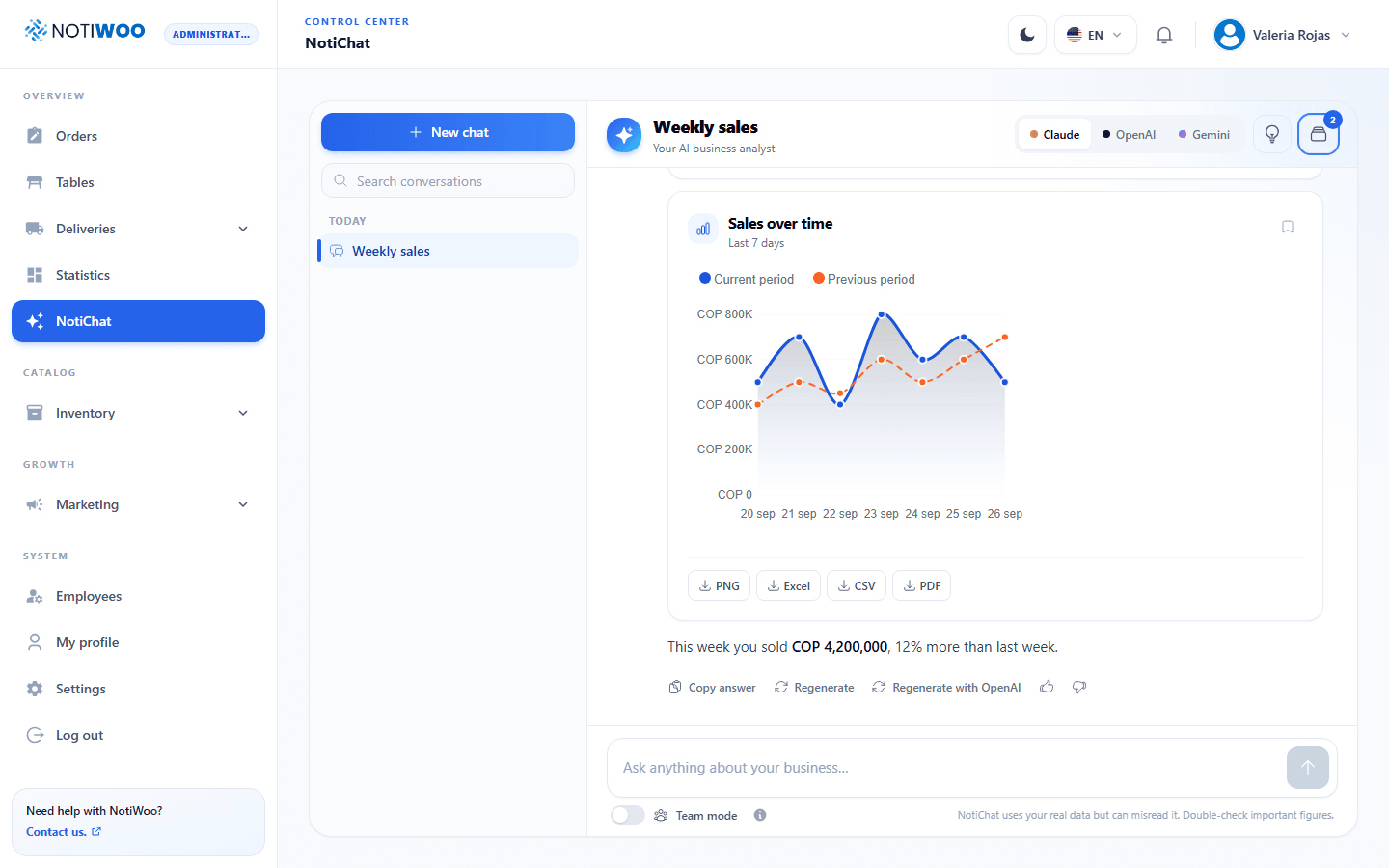
NotiChat reads your real WooCommerce sales, orders, customers and catalog, and answers in seconds with charts, tables and reports you can download.
Your store already has the answers. NotiChat finds them.
No more exporting spreadsheets or digging through reports. Write the question the way you would ask a colleague.
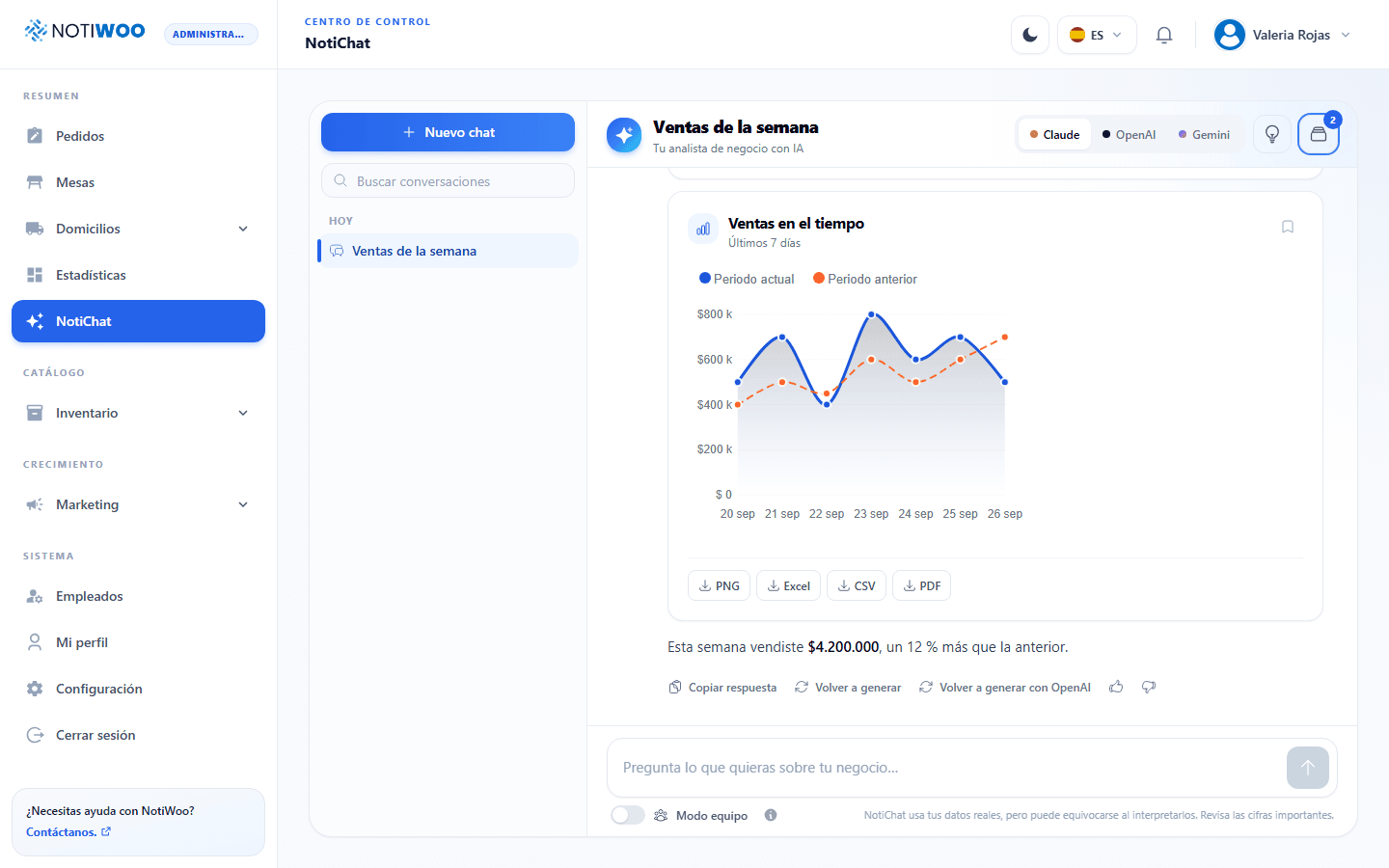
Compare your sales
"Compare the sales of the last seven days with the week before."
Find your best sellers
"Show me the best-selling products this month."
Win customers back
"Find customers who have not come back in thirty days."
Get the work started
"Prepare a product draft for a new burger."
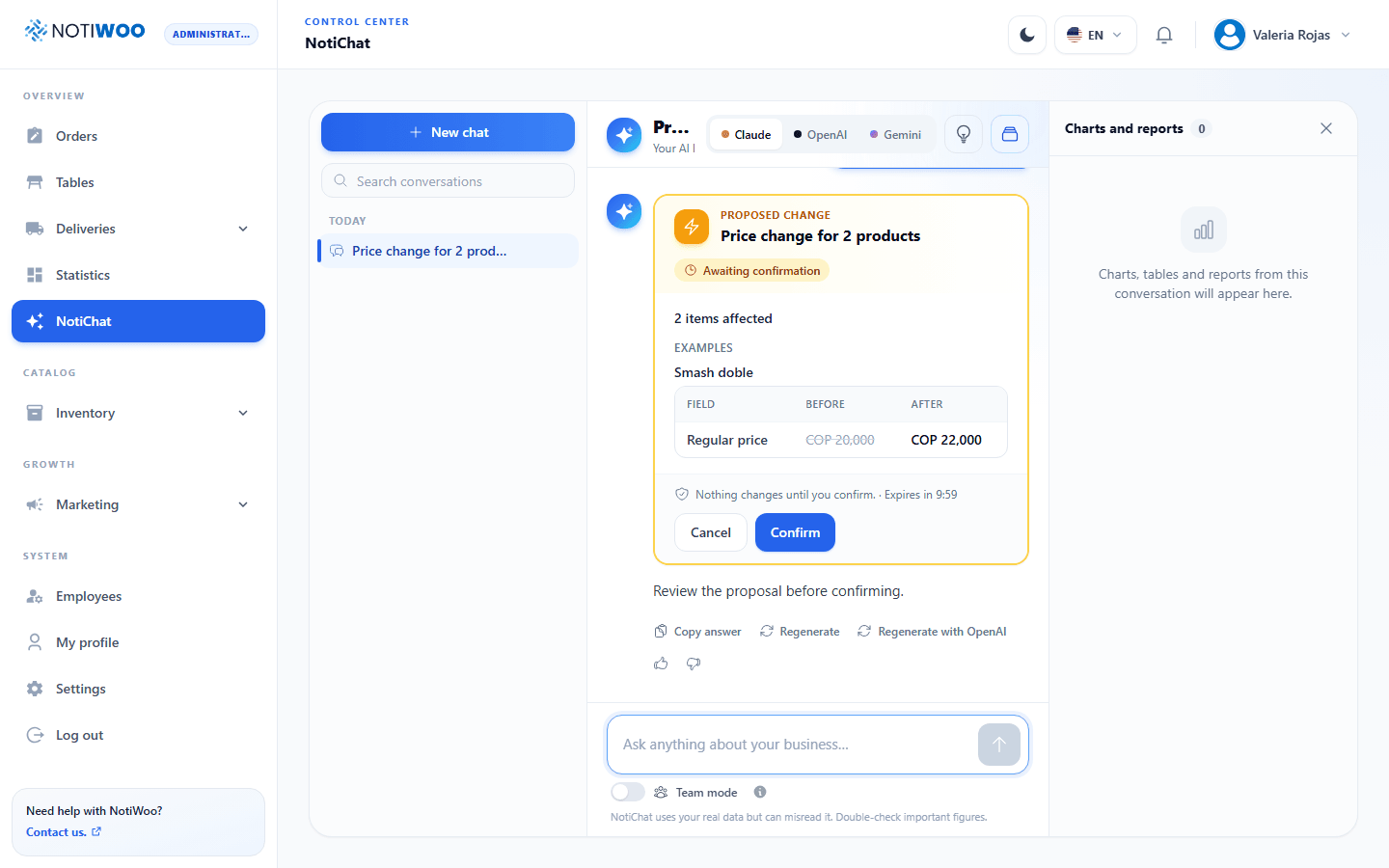
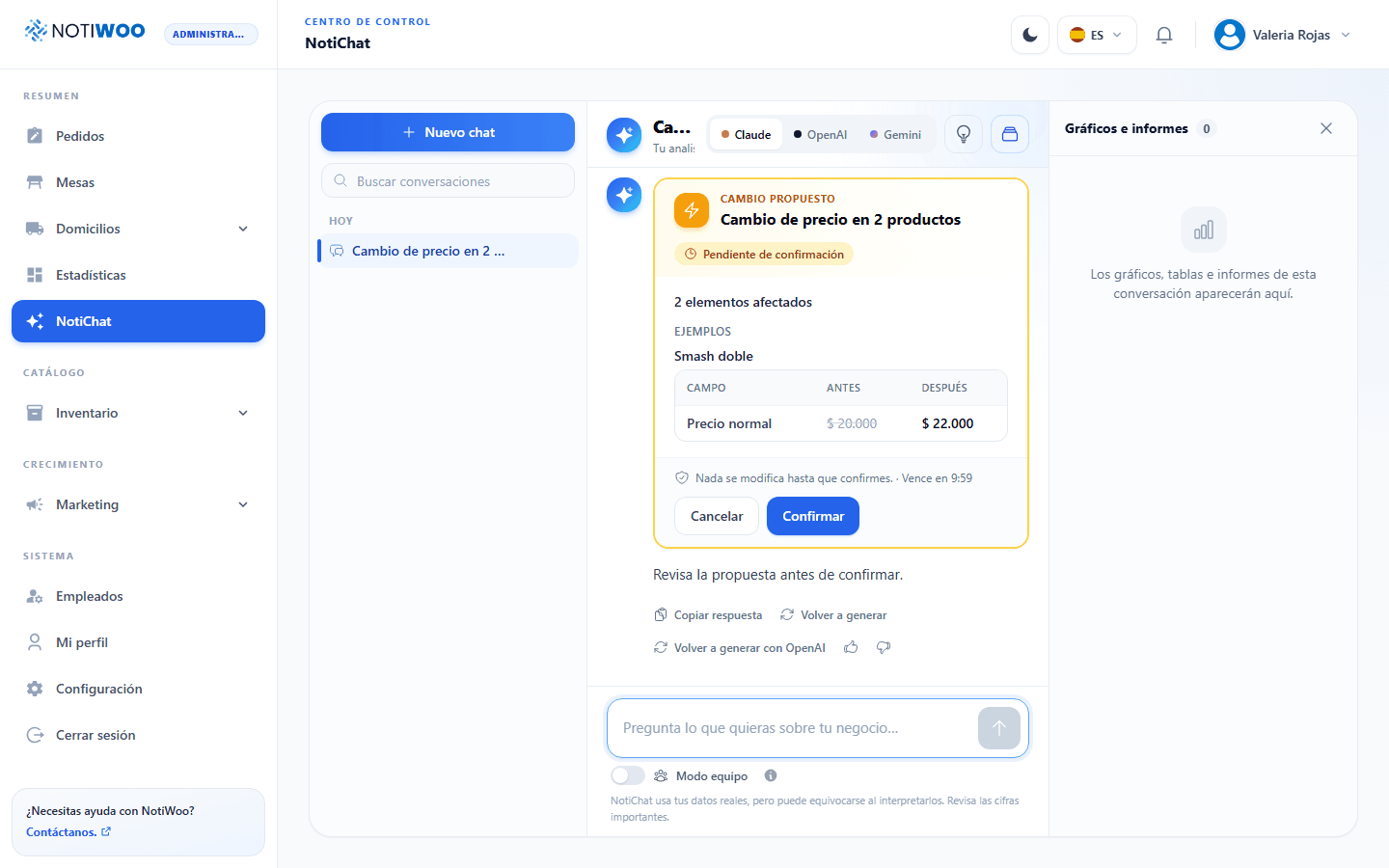
It does not just answer. It prepares the work.
NotiChat can propose changes to your catalog, coupons, campaigns and team. Every change waits on a card until a person reviews it and presses Confirm.
- Product drafts, categories and extras
- Coupons and loyalty campaigns
- Employee management, within your permissions
- Undo on the operations that allow it
- New products are created as drafts for review
A business analyst inside your dashboard.
Charts and reports to download
Answers come with indicators, charts and tables you can download as PNG, Excel, CSV or PDF.
Choose your AI model
Use Claude, OpenAI or Gemini, and see the monthly usage of your store.
Memory that learns your store
Save useful instructions for future questions, and review or delete them whenever you want.
Permissions by role
The administrator decides which roles can use NotiChat, and each person keeps the permissions of their role.
Your first answer in a minute.
Connect your store
NotiChat uses the same WooCommerce connection as the rest of NOTIWOO.
Choose who can use it
Enable the roles that need it and pick your preferred AI provider.
Ask your first question
Write a concrete question with a period, such as last week's sales.
One price for the whole operation.
$10 per month or $100 per year, with two months free during early access. Every plan includes the full NOTIWOO workspace and support in English and Spanish.
Questions before you start.
Which data does NotiChat use?
The data of your own store in NOTIWOO and WooCommerce: sales, orders, customers, products and campaigns, limited by the permissions of the person asking.
Can NotiChat change my store on its own?
No. It only proposes changes. A person must review each one and press Confirm before it is applied.
Which AI models can I use?
Claude, OpenAI or Gemini. The administrator picks the preferred provider and can see the monthly usage.
Can I download the reports?
Yes. Charts and tables can be downloaded in the available formats, such as PNG, Excel, CSV or PDF.
Is my data safe?
Questions are sent only to the AI provider selected for your store, and each person sees only what their role allows. Avoid writing passwords or payment details in the chat.