

QR table ordering for WooCommerce
Guests scan, the kitchen gets the order.
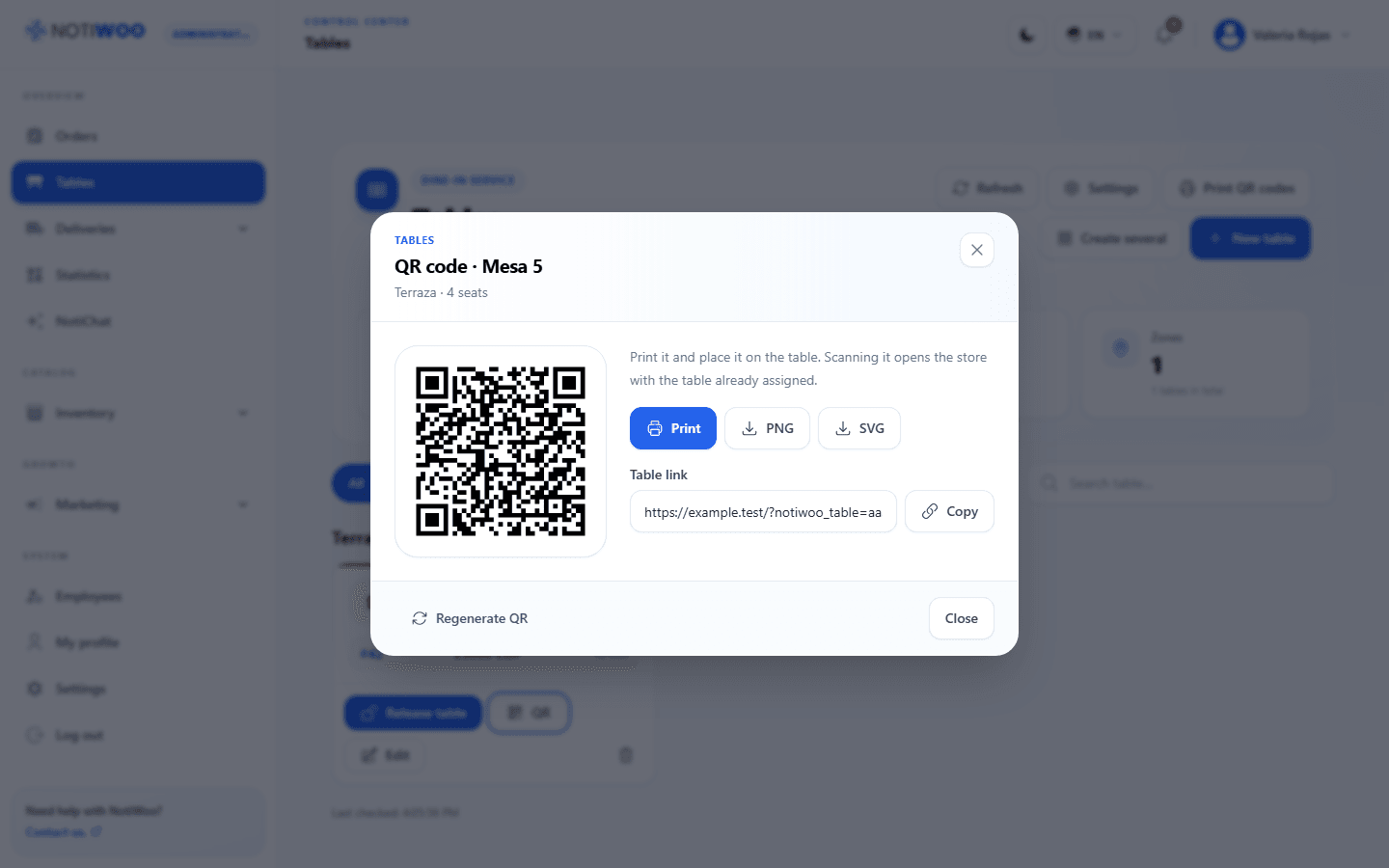
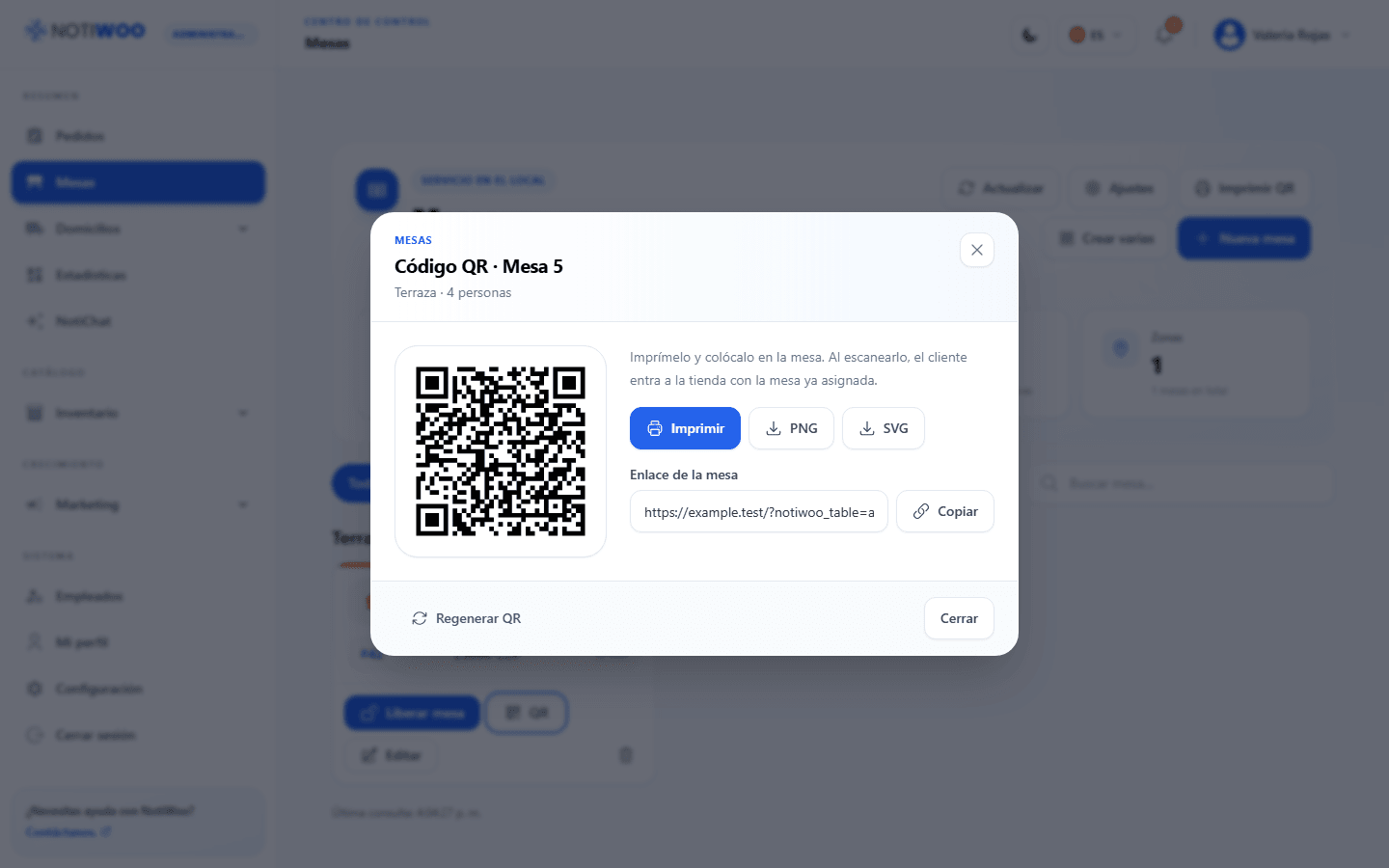
Put a QR code on each table that opens your WooCommerce menu. Orders arrive in NOTIWOO with the table name, ready to prepare and serve.
Fewer trips to the table, faster turns.
Guests order when they are ready, and your staff focuses on serving instead of taking notes.
Scan
The guest scans the table QR code and the store already knows which table it is.
Order
They choose products and extras from your WooCommerce menu and send the order.
Serve
The order arrives marked as dine-in with the table name. After preparing it, mark it as served.
Close the bill
When payment is confirmed, close the bill and the table is free again.
Your dining room, table by table.
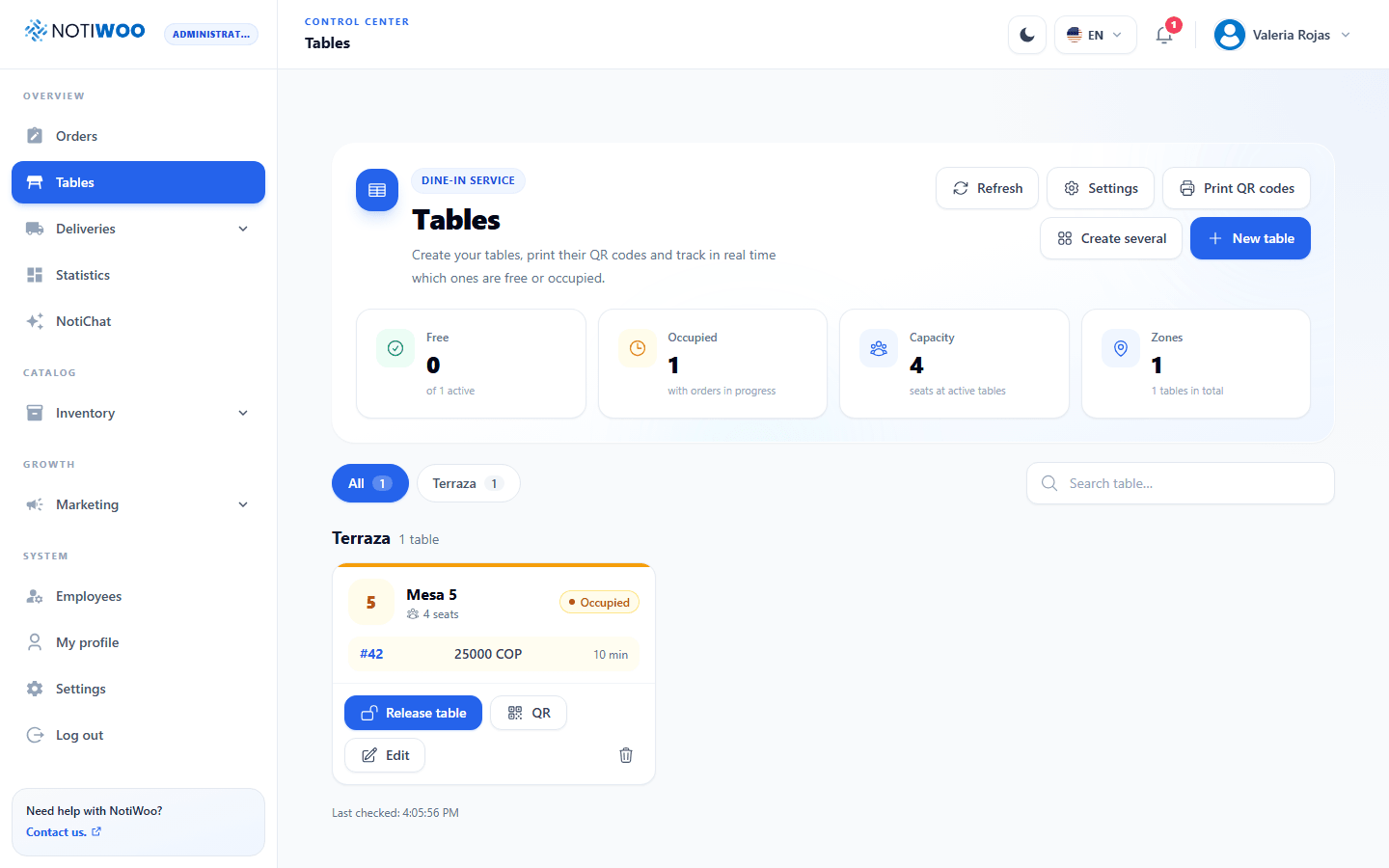
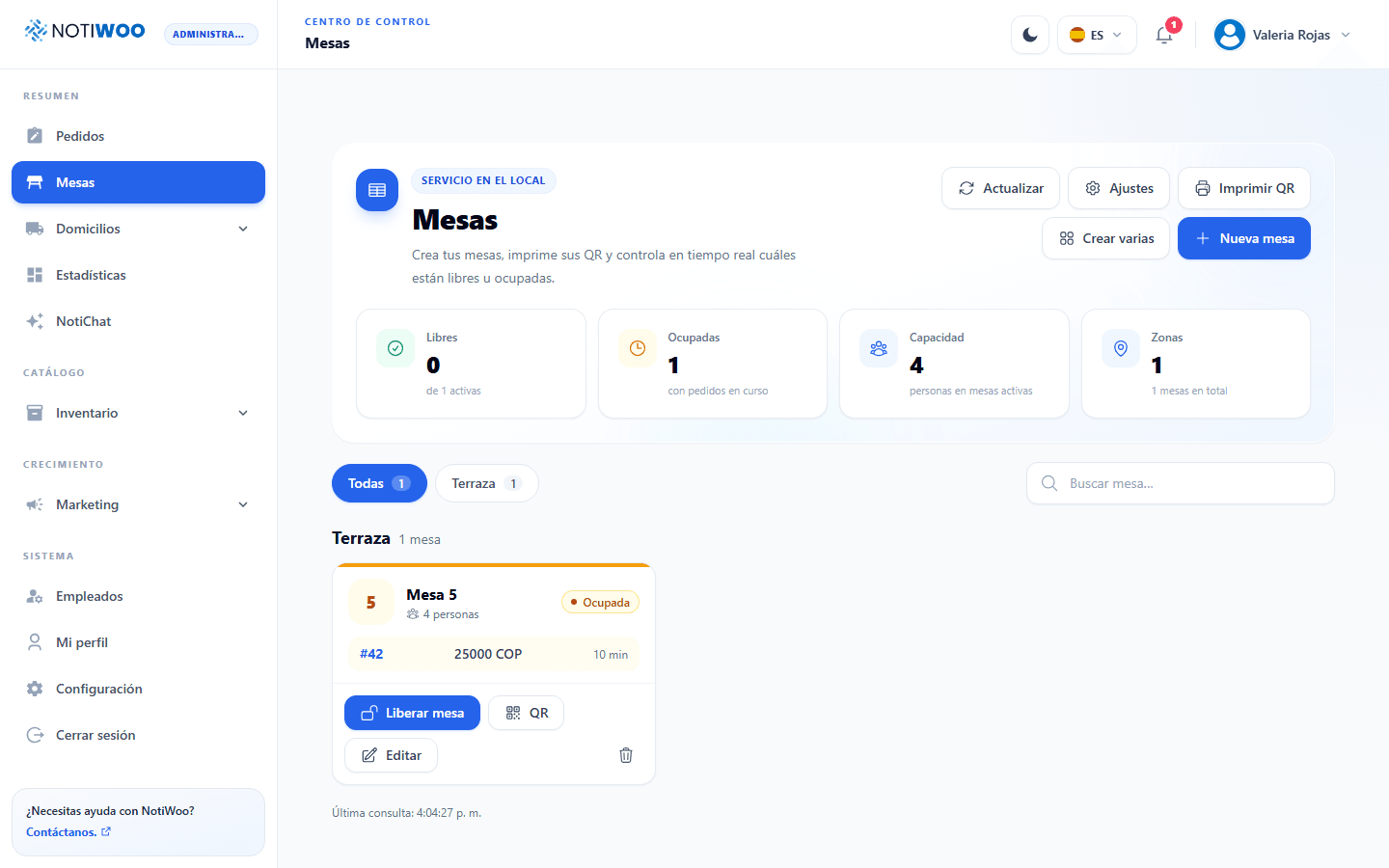
See which tables are free, occupied or inactive, grouped by zone, and manage their QR codes from the same screen.
- Create one table or several at once, with zone and capacity
- Download, copy or print each table's QR code
- Regenerate a code when you need to replace it
- Let guests choose their table by QR, from a list or both
- Release a table manually when the guests leave
More than a QR menu, a full table service.
Orders in the same panel
Dine-in, pickup and delivery orders share one live panel, each with its own label.
Kitchen tickets with the table
Printed tickets include the table name, so every dish reaches the right guest.
Shared tables
Several guests at the same table can order in the same session.
Loyalty points on every visit
Guests with an account earn points and redeem rewards when you enable loyalty.
Ready for tonight's service.
Turn on table service
Enable tables in NOTIWOO with plugin version 1.23.0 or later.
Create your tables
Add each table with its zone and capacity, or create several at once.
Print and place the QR codes
Print each code, place it on its table and test it from a phone.
One price for the whole operation.
$10 per month or $100 per year, with two months free during early access. Every plan includes the full NOTIWOO workspace and support in English and Spanish.
Questions before you start.
Do guests need to install an app?
No. The QR code opens your WooCommerce store in the phone's browser.
Can guests order without scanning the QR?
Yes. You can let guests choose their table from a list, by QR or both.
What happens if a QR code is copied?
You can regenerate the code of any table at any time. Remember to replace the printed code.
How do I close a table?
After serving, close the bill once payment is confirmed. You can also release a table manually.
Does it work for takeaway too?
Yes. Table service is part of pickup, so each order is shown as dine-in or takeaway.