

Automatic order printing for WooCommerce
The ticket is printed before anyone asks.
NOTIWOO prints every new WooCommerce order on your kitchen or counter printer the moment it arrives, with the details your team needs to prepare it.
Copying orders by hand slows the kitchen down.
Every order that someone has to read from a screen and write down is a chance to make a mistake.
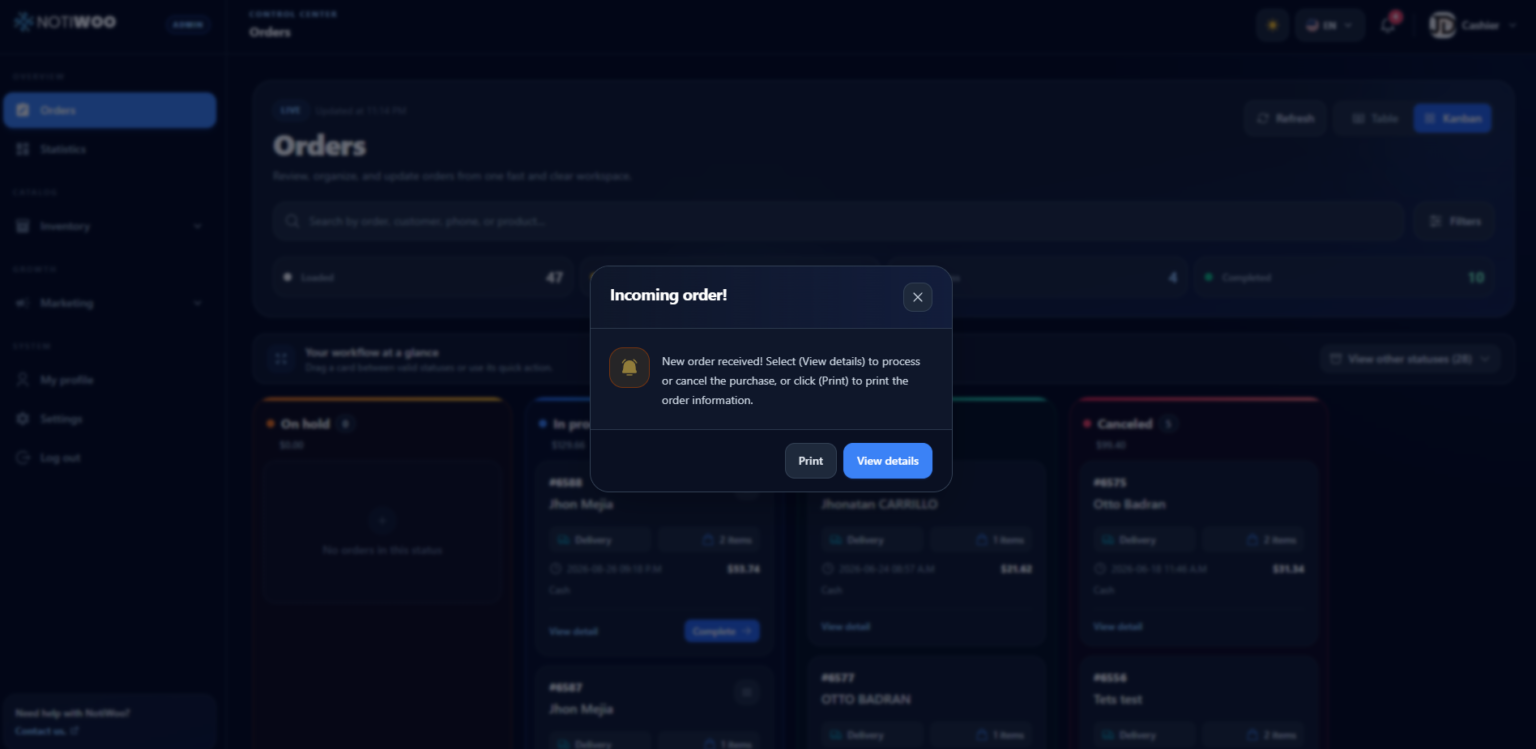
A new order arrives
NOTIWOO receives it from WooCommerce in real time, with a sound alert.
The ticket prints
Automatic printing sends it to the printer, as many copies as you need.
No duplicates
NOTIWOO remembers the last printed order to avoid printing the same alert twice.
Reprint when needed
If the printer fails, you get a notice and can print again from the order detail.
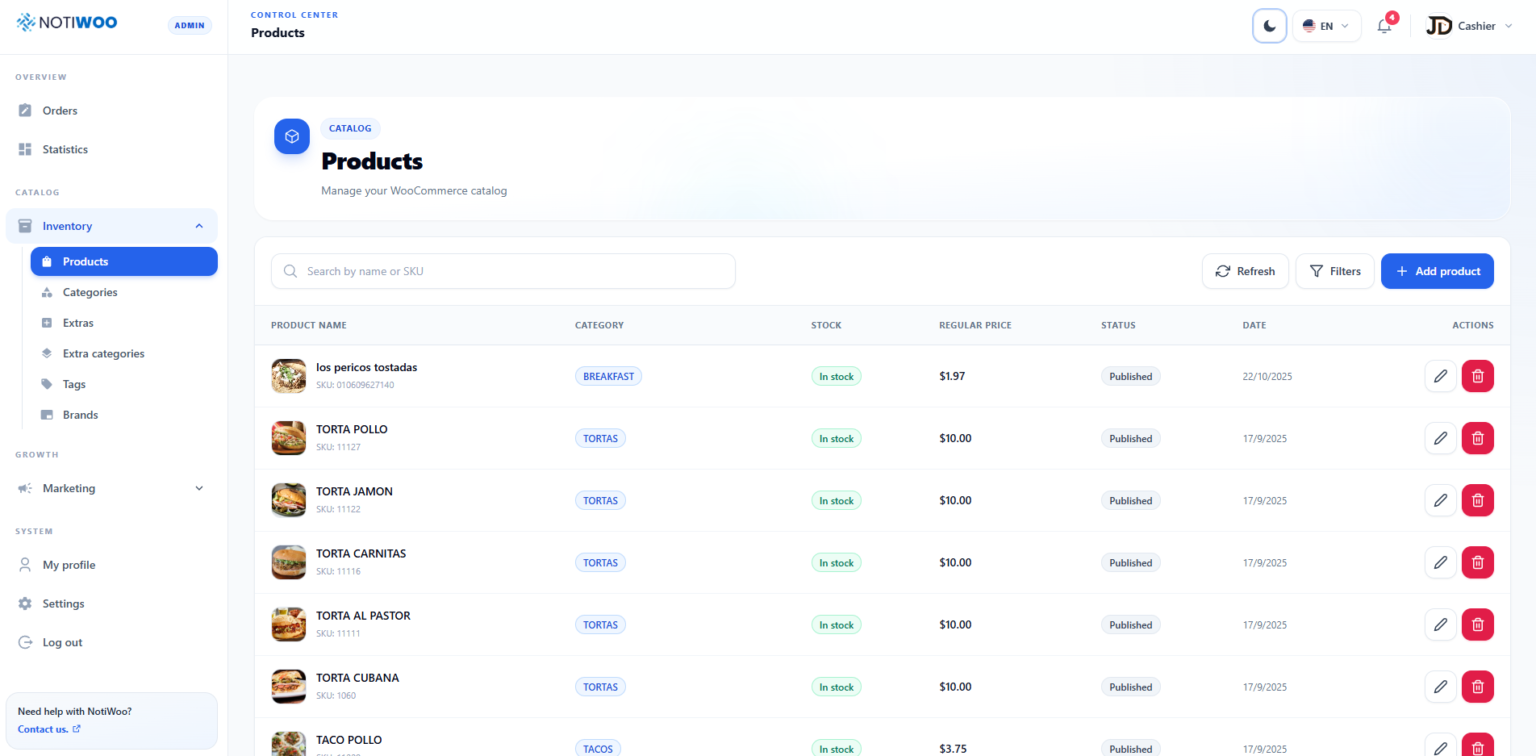
A ticket with only what matters.
Choose what each receipt includes, so the kitchen reads it at a glance and the counter has what it needs to deliver.
- Products with their extras and customer notes
- Table name or order type: dine-in, pickup or delivery
- Billing and delivery details you can turn on or off
- Custom header, footer and top margin
- Language and currency of the store
Printing is just the start of the order.
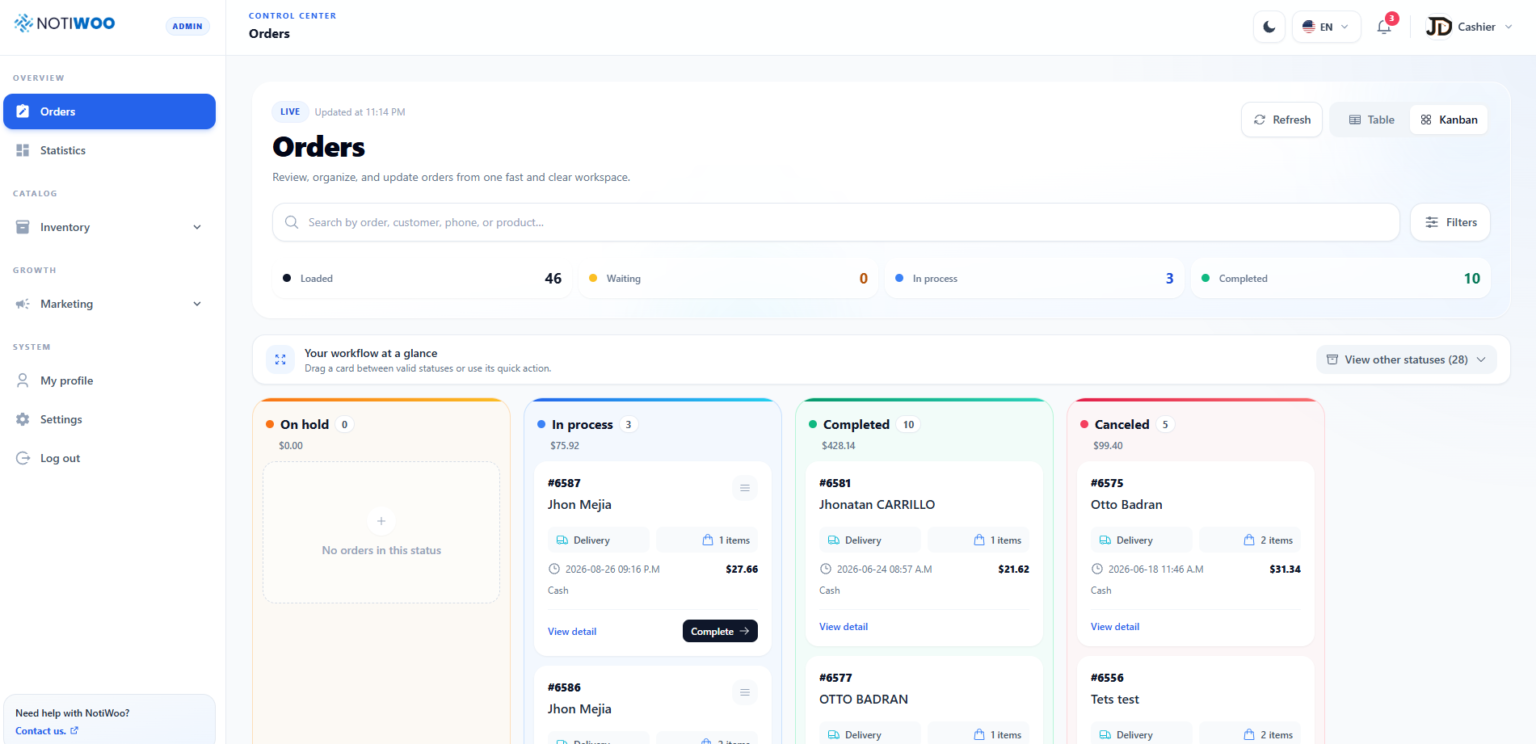
Live order panel
Table and Kanban views with every order and its status, updated in real time.
Clear order steps
Accept, prepare, send and close each sale with one button per step.
Works without a printer
Printing is optional. The team can manage every order from the screen.
Sales statistics
Sales, customers and products for each period, with CSV export.
Your first ticket in a few minutes.
Install the local print service
It runs on the Windows computer connected to your printer.
Add the printer in NOTIWOO
Enter the printer name and port, and choose what the ticket includes.
Turn on automatic printing
Every new order prints as soon as it arrives.
One price for the whole operation.
$10 per month or $100 per year, with two months free during early access. Every plan includes the full NOTIWOO workspace and support in English and Spanish.
Questions before you start.
Which printers does NOTIWOO support?
Printers installed on a Windows computer that runs the NOTIWOO local print service, such as kitchen or receipt printers.
Can I print more than one copy?
Yes. You choose the number of copies, and automatic printing repeats the ticket exactly that many times.
What happens if the printer is off?
NOTIWOO shows a notice, and you can print the order again from its detail once the printer is back.
Does the ticket include extras and notes?
Yes. Products print with their extras and the customer's notes, plus the table or order type.
Do I need a printer to use NOTIWOO?
No. Printing is optional; you can receive and manage every order from the screen.